

WoW: Forever adds linked Discord guild conversations
Blizzard explains the account and channel settings for guilds.
SourcesBlizzard EntertainmentDiscord
Story heat
- Outlets
- 2
- First seen
What do Heat and Outlets mean?
Heat: how hot the story is right now. More outlets and fast coverage raise it; it cools as the story ages.
Outlets: how many news sites have reported the story.
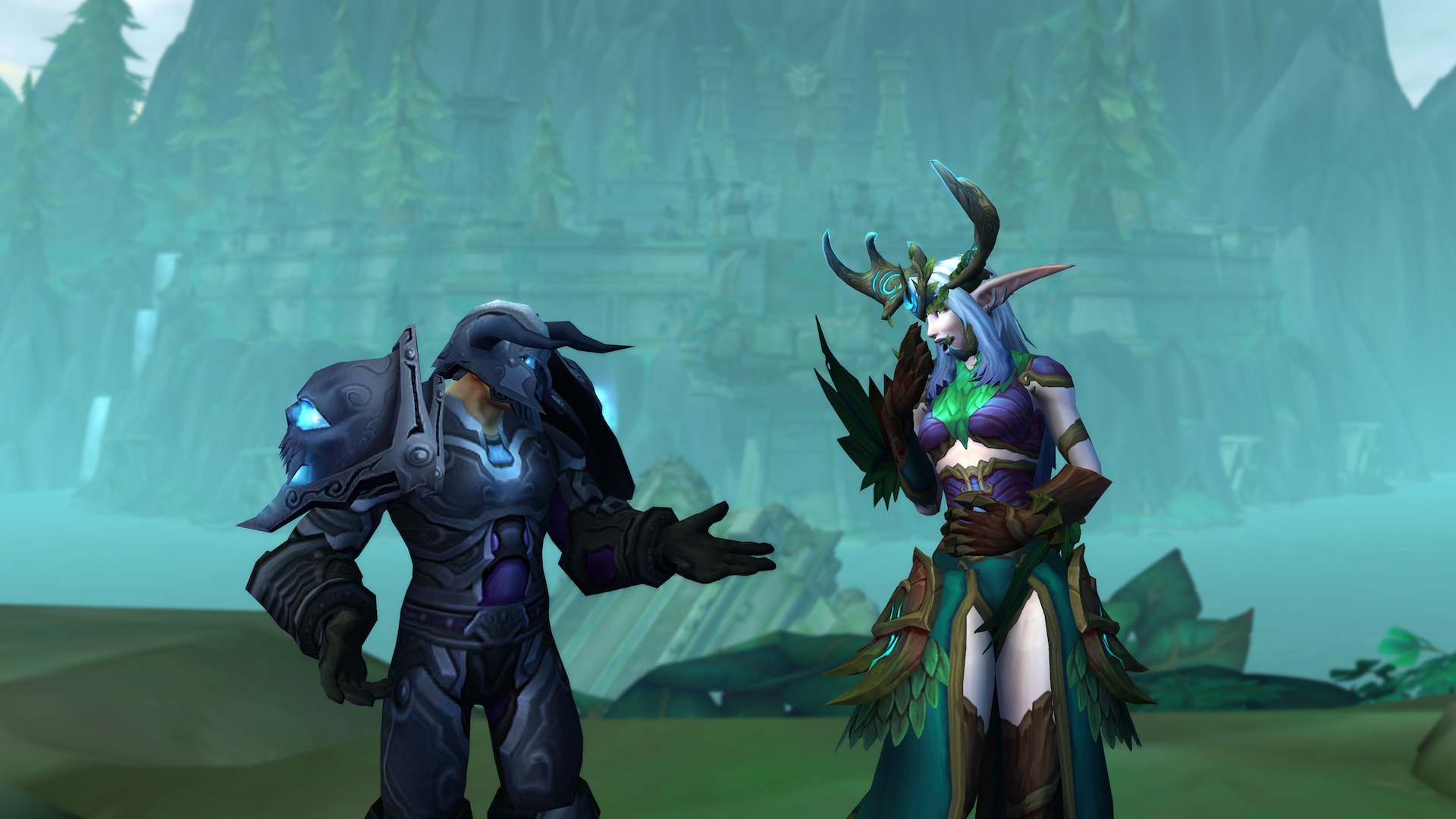
Guild chat reaches beyond the game
Blizzard's November 4 guide explains Discord chat linking in World of Warcraft: Forever and modern World of Warcraft. Players connect their accounts, while authorised guild leaders or officers choose the Discord channel that will exchange guild messages. The guide also provides display-name choices and controls for directing Discord traffic into regular guild chat or a dedicated channel. This gives guilds a way to keep a text conversation available when members are outside the game.
Two connections need to be in place
Discord's own guide distinguishes linking an individual Battle.net account from connecting the guild's channels. Existing connections may need updating. Users can begin through Discord's Connected Apps settings, review the permissions and follow the confirmation screens; a guild leader or officer then completes channel setup inside World of Warcraft.
The required server permissions include viewing a channel, sending messages and managing channels. Discord originally published its integration guide in August and added an editor's note confirming Forever support from November 4. The November change therefore extends an established feature to another version of Warcraft.
Guild organisers can discuss the destination channel first. A clearly identified shared channel helps members understand where messages will appear, while account linking lets individual players participate without needing everyone to be logged into the same game session.

Comments 0
No comments yet. Start the conversation.
Discuss in Community