Keyboard Chatter: Why Keys Double Type and Fixes
You press E once and get 'ee'. The spacebar double-spaces every tenth word. That is keyboard chatter, and it means a switch is physically bouncing faster than your firmware can hide. Here is how to confirm it with our mechanical keyboard test and fix it properly.
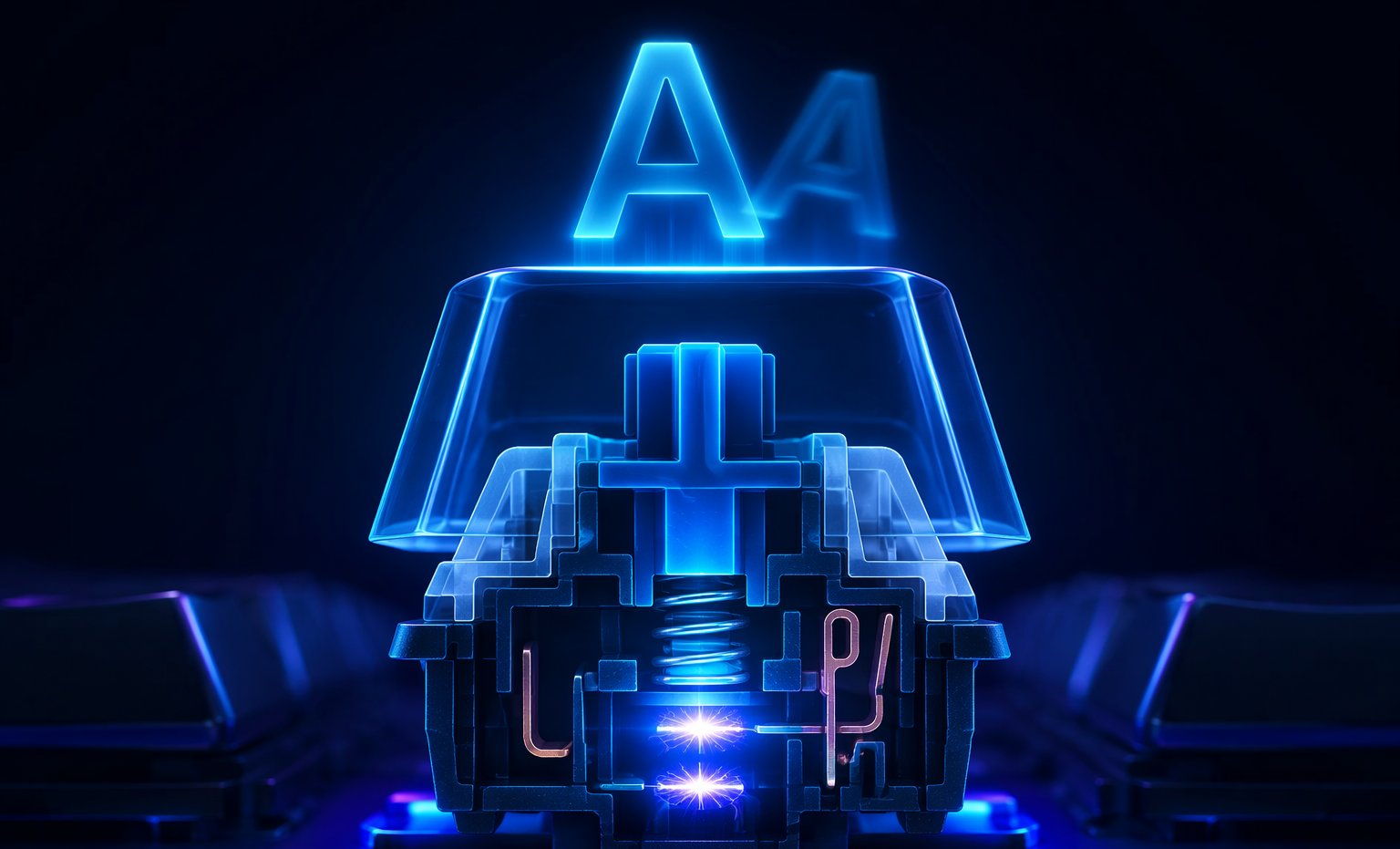
What keyboard chatter looks like
Chatter, also called double typing or key bounce, is one keypress producing two or more characters. It rarely starts constant. A key doubles once a day, then once an hour, then every sentence:
- Doubled letters in otherwise clean typing, like 'thhe' or 'helllo'
- A spacebar that adds phantom second spaces
- Backspace deleting two characters per press
- In games, one tap triggering an ability twice or misfiring a jump-crouch
- The same few keys offending while the rest of the board is perfect
That last pattern is the fingerprint. Chatter is per-switch wear, so it hunts the keys you use hardest: E, space, W and backspace.
The physics: contact bounce inside the switch
A mechanical switch closes a circuit by snapping two metal contacts together with a leaf spring. At the moment they touch, the contacts physically bounce, like a hammer landing on an anvil, vibrating for microseconds up to a few milliseconds. Electrically, that single press looks like on-off-on-off-on. Every bounce is a chance for the controller to see a second keystroke.
New switches bounce too, but their bounce is short. The keyboard's firmware runs a debounce window, commonly around 5 ms, that ignores re-triggers after a press. As the leaf fatigues and the contact faces oxidize, bounce gets longer and stronger until it outlives the debounce window. That is the day visible chatter is born. Debounce also trades against speed, and our keyboard latency guide explains where those milliseconds go.
Switch lifespan ratings and end-of-life behavior
Cherry rates MX switches at 50 million keystrokes for classic models and 100 million for the MX2A generation, while Gateron and Kailh typically quote 50 to 80 million. A million presses on one key sounds like a lifetime, but a competitive player can put that on W in a season or two, and a heavy typist grinds E and space relentlessly.
Switches do not die cleanly at their rating. They drift. A key near end-of-life chatters once a week, then daily, then constantly, and cleaning buys time without resetting the clock. Knowing where you are on that curve is exactly what testing is for.
Environment plays a supporting role. Oxidation accelerates in humid rooms, so a board that chatters more in summer is showing contact corrosion, not a ghost. Keyboards in smoky rooms and boards parked next to open windows age faster for the same reason.
The bounce-free era: optical and Hall-effect switches
Optical switches register by breaking a light beam, and Hall-effect switches read the magnetic field of a tiny magnet in the stem. Neither has metal contacts, so there is physically nothing to bounce. Chatter on these switches is not unlikely; it is structurally impossible.
That is one reason Hall-effect keyboards exploded between 2024 and 2026. Wooting proved the concept, then Razer, SteelSeries, Keychron and a wave of budget brands piled in. Adjustable actuation lets you set the trigger point anywhere from about 0.1 to 4.0 mm, and rapid trigger resets the key the instant it starts moving back up instead of waiting for a fixed reset point. Valorant and CS2 players adopted it fast because cleaner counter-strafing wins real rounds. The chatter immunity barely made the marketing, but ask anyone who replaced a bouncing board.
The price story flipped too. In 2024 a Hall-effect board cost enthusiast money. By 2026, credible magnetic-switch boards sell for under $80, which is why they now show up in entry-level recommendations next to traditional mechanical boards.
Before you shop, make sure the board is actually at fault. Our keyboard lag walkthrough helps separate switch faults from latency and software problems.
How to test for keyboard chatter
- Open our mechanical keyboard test.
- Press each key 20 to 30 times with a clean release between presses.
- Watch the per-key counts. One press should always add exactly one count.
- Start with the chatter threshold around 40 ms and note any suspect keys the tool flags.
- Hammer the suspects another 50 times. Real chatter repeats; accidents do not.
One caveat: good firmware filters bounce before the browser ever sees it, so a pass is reassuring but not eternal. If a key chatters once a week in real use, give it a long session and trust the per-key counts over a single sweep. For a quick everyday check, the standard keyboard test lights every key as you type.
Fixes for keyboard chatter
Keycap off, compressed air into the housing, then a drop of isopropyl alcohol worked in with repeated presses. Dust and dried drink residue cause more chatter than people expect.
Boards running QMK or VIA can bump debounce from 5 ms to 10 ms or more. It costs a few milliseconds of response and masks mild bounce completely.
On a hot-swap board this is the magic trick: pull the bad switch with a switch puller, press in a replacement that costs well under a dollar, done in sixty seconds. Hot-swap turned chatter from a soldering project into a battery-change-level chore.
On a soldered board, replacing the switch is the same job plus an iron and some patience. Before you commit, check the warranty: many brands treat chatter as a defect within the coverage period.
The bottom line
Keyboard chatter is physics slowly beating firmware: a metal leaf bounces, the debounce window hides it, and eventually the bounce wins. Confirm it with the test, clean and re-debounce for cheap relief, and swap the switch if your board allows it. If you are shopping in 2026, an optical or Hall-effect board does not just reduce chatter; it deletes the entire failure mode, with rapid trigger as the bonus everyone actually talks about.
Ready to check your own gear?
Mechanical Keyboard TestFrequently asked questions
Why is my keyboard typing double letters?
A worn switch is bouncing. When its metal contacts meet, they vibrate for a few milliseconds, and if the bounce outlasts the firmware debounce window, the controller registers a second keystroke. It usually starts on your most-used keys.
Can keyboard chatter be fixed with software?
Partially. Boards with QMK or VIA firmware can raise the debounce time, which masks mild bounce at the cost of a few milliseconds of latency. Cleaning helps too, but advanced wear needs a switch swap.
Do Hall-effect keyboards get chatter?
No. Hall-effect switches read a magnetic field and have no metal contacts, so there is physically nothing to bounce. Optical switches share the same immunity. Both are structurally chatter-proof.
How many keypresses do mechanical switches last?
Cherry rates classic MX switches at 50 million keystrokes and MX2A models at 100 million, while Gateron and Kailh quote 50 to 80 million. In practice, heavily used keys like W, E and space reach the end of their life years before the rest of the board.
Does increasing debounce time add input lag?
Yes, a few milliseconds. Raising debounce from 5 ms to 10 ms adds up to 5 ms of delay before a keypress is accepted, which is invisible for typing and most gaming, but worth knowing if you are chasing every millisecond.