Mouse Debounce Time Explained: CPS, Double Clicks and Drag Clicking
What debounce time means
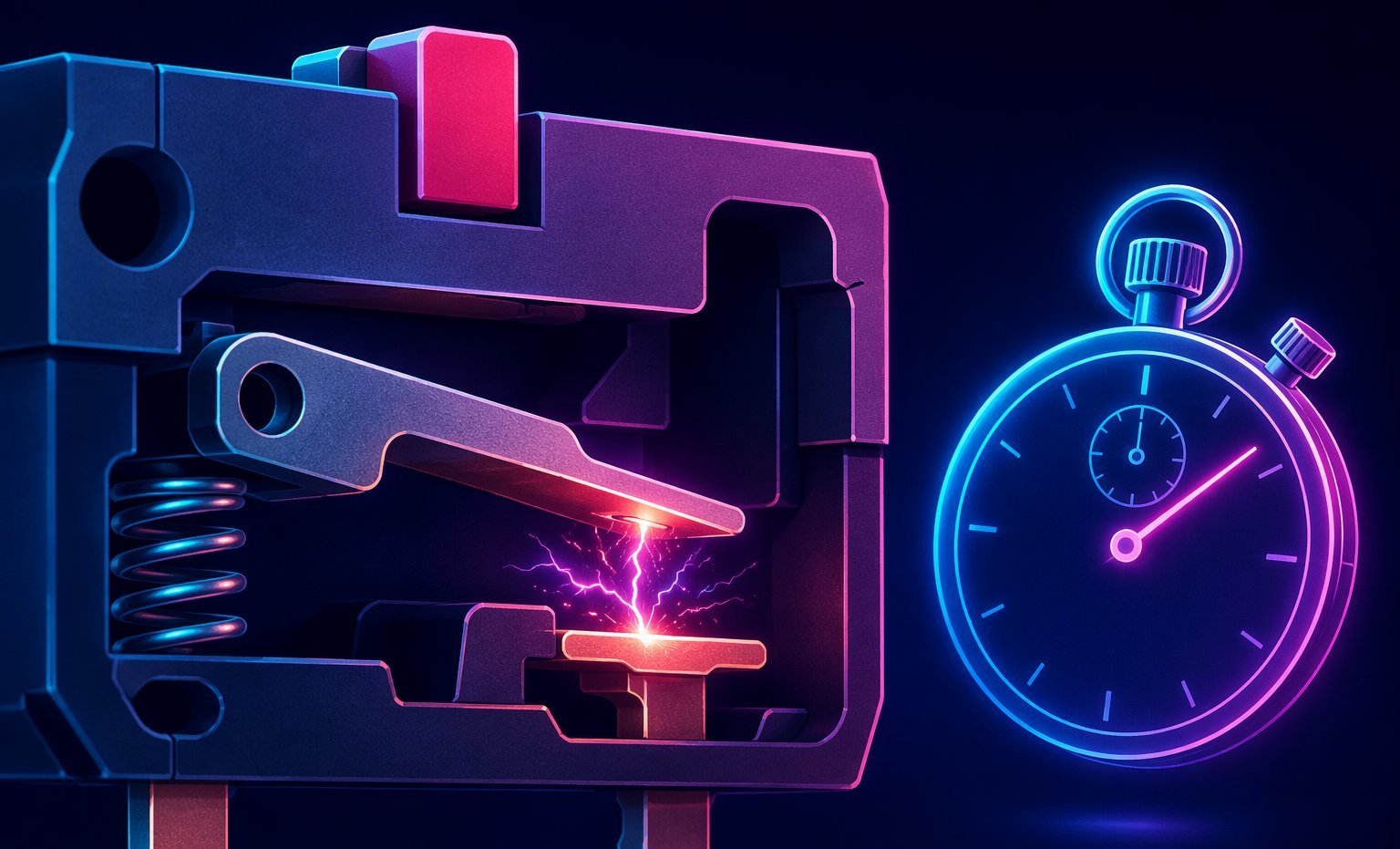
A mechanical mouse switch does not always send one perfectly clean electrical signal. When metal contacts meet, they can bounce for a tiny moment. Debounce is the delay or filtering used to decide which signal counts as the real click and which signals should be ignored as noise.
A higher debounce setting prevents accidental double clicks. A lower debounce setting can make the mouse feel more responsive and can allow extra clicks from switch bounce to be counted. That is why debounce time matters so much for CPS tests.

How debounce affects CPS
For normal clicking, debounce rarely changes much unless the setting is extremely high or the switch is faulty. For butterfly clicking, low debounce can turn one physical tap into two registered clicks. For drag clicking, low debounce is often the difference between a small burst and a huge burst.
This is why two players can use the same hand motion and get very different CPS scores. One mouse filters the bounce; another reports it. Neither number tells the full story unless the mouse and debounce setting are known.
Mechanical vs optical switches
Mechanical switches physically close contacts, so bounce and debounce are part of their behavior. Optical switches detect a light interruption, so they can avoid many double-click issues and register very quickly. That makes optical switches excellent for clean input, but often worse for players who want butterfly double-clicking or drag-click bursts.
Fair testing rules
- Separate standard, jitter, butterfly and drag-click scores.
- Write down your mouse model and debounce setting when comparing records.
- Treat sudden huge CPS jumps as hardware behavior until proven otherwise.
- Use mouse button tests to check whether accidental double-clicking is happening outside a CPS test.
When low debounce is bad
Low debounce is not automatically better. If your mouse double-clicks when you only want one click, it can ruin browsing, inventory management, editing and games that punish accidental inputs. The best setting is the lowest one that still feels reliable for your actual use case.
How debounce changes CPS results
When debounce time is high, the mouse ignores rapid repeated signals from the switch. That can make accidental double clicks less likely, but it can also reduce scores for butterfly or drag clicking. When debounce time is very low, more contacts may register, which can make CPS numbers jump. The same hand can look faster or slower depending on this setting.
This is why comparing CPS scores without mentioning the mouse is incomplete. A player using a low-debounce drag-click mouse is not doing the same test as a player using an office mouse with aggressive filtering. Both results can be honest, but they do not mean the same thing.
Choosing a debounce setting
If you use your mouse for work, menus and dragging files, reliability may matter more than maximum CPS. A slightly higher debounce setting can prevent annoying accidental double clicks. If you mainly practice CPS or play modes where butterfly clicking is allowed, a lower setting can feel more responsive.
The best setting is the one that matches your rules and your tolerance for misclicks. Test slowly first. If one clean click creates two events when you do not want it to, the setting is too low for normal use. If your clicks feel delayed or filtered during legal techniques, it may be too high for your gaming goal.
Ready to check your mouse?
Test Mouse Buttons