What Is My Screen Resolution? Why the Answer Lies
Ask a website what your screen resolution is and it may answer with a number printed nowhere on your laptop's box. A 4K machine reporting 1536x864 is not a bug — it is scaling doing its job. Your screen actually has three different 'resolutions', and each one matters for a different reason.
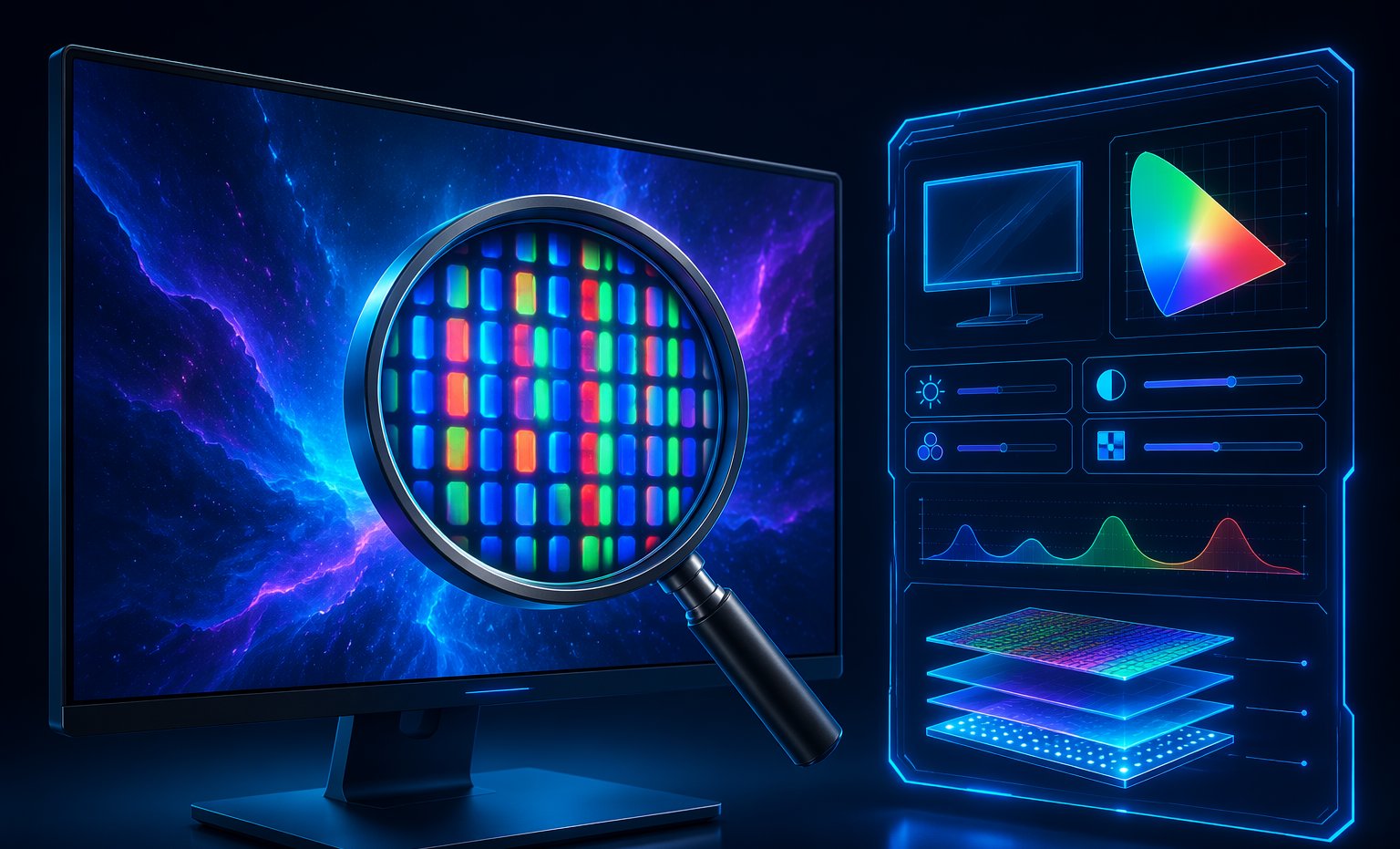
Three numbers, one screen
When people say 'resolution', they mash together three different measurements:
- Screen size — the display's coordinate space as the operating system presents it, in CSS pixels, after scaling is applied.
- Viewport — the part of that space your browser window actually occupies right now. Resize the window and this number changes; the others do not.
- Physical pixels — the actual lights on the panel. The number on the box: 1920x1080, 3840x2160 and so on.
You can see all three live — plus orientation, color depth and a fullscreen comparison — on our screen resolution test. Resize the browser window while it runs and watch the viewport number move while the screen value stays put. That one experiment teaches the whole concept.
So which one is 'your resolution'? For buying a monitor: physical pixels. For web design and what sites see: screen size in CSS pixels. For whether a video call window fits next to your notes: viewport. They are all honest answers to different questions.
Why your 4K laptop reports 1536x864
Here is the puzzle that sends people to Google. A 14-inch laptop with a 3840x2400 panel reports a screen size of 1536x864 to every website. Did the seller scam you? No — the laptop is running at 250% display scaling, which is Windows' default recommendation on high-density laptop screens.
The math: divide the physical resolution by the scaling factor. 3840 ÷ 2.5 = 1536. The OS pretends the screen is 1536 CSS pixels wide so that buttons and text stay a readable physical size, then paints each CSS pixel using 2.5x2.5 physical pixels of razor-sharp detail. You get the sharpness of 4K with the usability of a much lower resolution.
The same trick is everywhere in 2026: a 27-inch 4K monitor at 150% scaling reports 2560x1440. A phone with a 1170x2532 panel reports 390x844. The reported number is the logical screen, not the physical one — and websites almost always see the logical one.
Device pixel ratio, explained with coffee
Device pixel ratio (DPR) is the bridge between the two worlds. It answers one question: how many physical pixels does the display use to draw one CSS pixel? DPR 1 means one-to-one — the old world of standard monitors. DPR 2 means every CSS pixel is a 2x2 block of four physical pixels, which is what Apple branded 'Retina'.
Modern devices push this further. Flagship phones run DPR 3 or higher — one CSS pixel backed by nine physical ones. That 250%-scaled laptop sits at DPR 2.5. This is why text on a phone looks impossibly smooth: the browser is drawing letters with far more pixels than the CSS layout knows about.
This also explains the classic screenshot mystery. You take a screenshot of a page that 'fits' your 1536x864 screen, and the PNG comes out 3840 pixels wide. Screenshots capture physical pixels, not CSS ones — so the image is your CSS width multiplied by DPR. Your resolution did not change; your measuring stick did.
The resolutions people actually game at
Physical resolution is still the one that costs money and frames. Each step up multiplies the pixel count your GPU has to push every frame:
| Resolution | Pixels | vs 1080p | GPU demand |
|---|---|---|---|
| 1920x1080 (1080p) | 2.1M | 1.0x | Entry-level cards handle esports titles easily |
| 2560x1440 (1440p) | 3.7M | 1.8x | Mid-range GPU territory; the 2026 sweet spot |
| 3440x1440 (ultrawide) | 5.0M | 2.4x | Upper mid-range; immersion tax included |
| 3840x2160 (4K) | 8.3M | 4.0x | Flagship GPU for high refresh rates |
Despite a decade of 4K marketing, the Steam Hardware Survey has consistently shown 1080p as the single most common gaming resolution, with 1440p steadily climbing into second place. The reason is simple: competitive players trade pixels for frame rate. A 1080p image at 240Hz wins more fights than a 4K image at 60Hz — a theme we come back to in the reaction time benchmarks.
If you are deciding where to spend, resolution and refresh rate fight for the same budget. Our monitor test checklist walks through verifying both once the new panel arrives.
Why streamers and phones report such odd numbers
Ever notice a streamer's overlay showing a canvas of 1536x864 or 1600x900? That is usually a scaled 4K or 1440p desktop, or a deliberate downscale so the stream renders faster and text stays readable on phone screens. The 'odd' numbers are just physical resolutions divided by scaling factors.
Phones are the extreme case. An iPhone with a 1179x2556 physical panel at DPR 3 reports a CSS screen of 393x852 — a number that looks like a typo until you multiply by three. Android flagships do the same with DPRs like 2.625 or 3.5, which is why mobile screen stats are full of values like 412x915.
Tablets, foldables and 120Hz handheld consoles all play the same game in 2026: big physical panels, modest logical screens, one DPR doing the translation in between.
How websites actually use these numbers
Responsive design runs on CSS pixels, not physical ones. When a site switches from desktop layout to mobile layout, it is checking whether your viewport crosses a breakpoint — typically somewhere around 768 or 1024 CSS pixels wide. Your phone reports 390 CSS pixels, so it gets the mobile layout, even though its panel has more physical pixels than many laptops.
This is also why browser zoom changes layouts. Zooming to 125% does not add pixels; it inflates the CSS pixel, shrinking your viewport's CSS width. Zoom far enough on a desktop and sites will serve you the tablet layout — a party trick that confuses everyone the first time.
For anyone building or debugging a site, the live viewport readout on the screen resolution test — updating as you resize — is faster than opening dev tools just to check a breakpoint.
When higher resolution actually hurts
More pixels are not free. Four costs worth knowing before you chase the biggest number:
- Frame rate: 4K is exactly 4x the pixels of 1080p. Expect roughly half the FPS from the same GPU, or worse, at the same settings.
- Tiny UI: run 4K at 100% scaling on a 27-inch screen and enjoy squinting at 9-point text. Fix it with scaling and you are back to a logical 1440p anyway.
- Battery: high-DPI panels and the GPU work to feed them cost real battery life on laptops and phones — one reason many phones now ship with lower default render modes.
- Scaling artifacts: older apps that ignore DPI scaling render blurry on high-DPI screens, which can look worse than a plain 1080p panel.
The practical takeaway: match resolution to screen size and viewing distance, match scaling to your eyes, and let DPR do its quiet work in the background.
The bottom line
Your screen has three resolutions, and they are all 'correct': the physical pixels on the panel, the CSS coordinate space after scaling, and the viewport your browser window occupies. If a website reports 1536x864 on your 4K machine, nothing is broken — that is 250% scaling doing exactly what it should. Check all three live values, multiply the CSS number by DPR to sanity-check the panel, and spend your upgrade budget on the resolution your GPU and your eyes can actually use.
Ready to check your own gear?
Screen Resolution TestFrequently asked questions
What is my screen resolution?
Fastest answer: open the screen resolution test and read the live values. On Windows you can also check Settings → System → Display for the physical resolution and scaling percentage. Remember that websites see your CSS (scaled) resolution, which is often lower than the panel's physical pixel count.
Why does my 4K monitor show 2560x1440?
Because it is running at 150% display scaling. The OS divides the physical 3840x2160 panel by 1.5, giving applications a logical 2560x1440 workspace while still rendering text and images with all 8.3 million physical pixels. It is sharpness plus readability, not a fault.
What is device pixel ratio?
Device pixel ratio (DPR) is how many physical pixels a screen uses to draw one CSS pixel. DPR 1 is one-to-one, DPR 2 means a 2x2 physical block per CSS pixel (Apple's 'Retina'), and phones often run DPR 3 or higher. Multiply your CSS screen size by DPR to estimate the physical panel resolution.
Why is my screenshot bigger than my screen resolution?
Screenshots capture physical pixels, while your 'screen resolution' as reported to apps is in CSS pixels. On a DPR 2.5 laptop, a fullscreen screenshot of a 1536x864 logical screen produces a 3840x2160 image. The screenshot is more accurate than the setting.
Is 1440p better than 1080p for gaming?
For image clarity, yes — 1440p packs 78% more pixels and looks noticeably sharper on 27-inch screens. For competitive play, the honest answer is 'it depends on your GPU': if dropping to 1080p buys you a much higher, more stable frame rate, many players take the frames. The 2026 sweet spot for most mid-range PCs is 1440p at 144-165Hz.